ChatGPT · Claude · Gemini · Grok
Can my family use AI on a kosher phone?
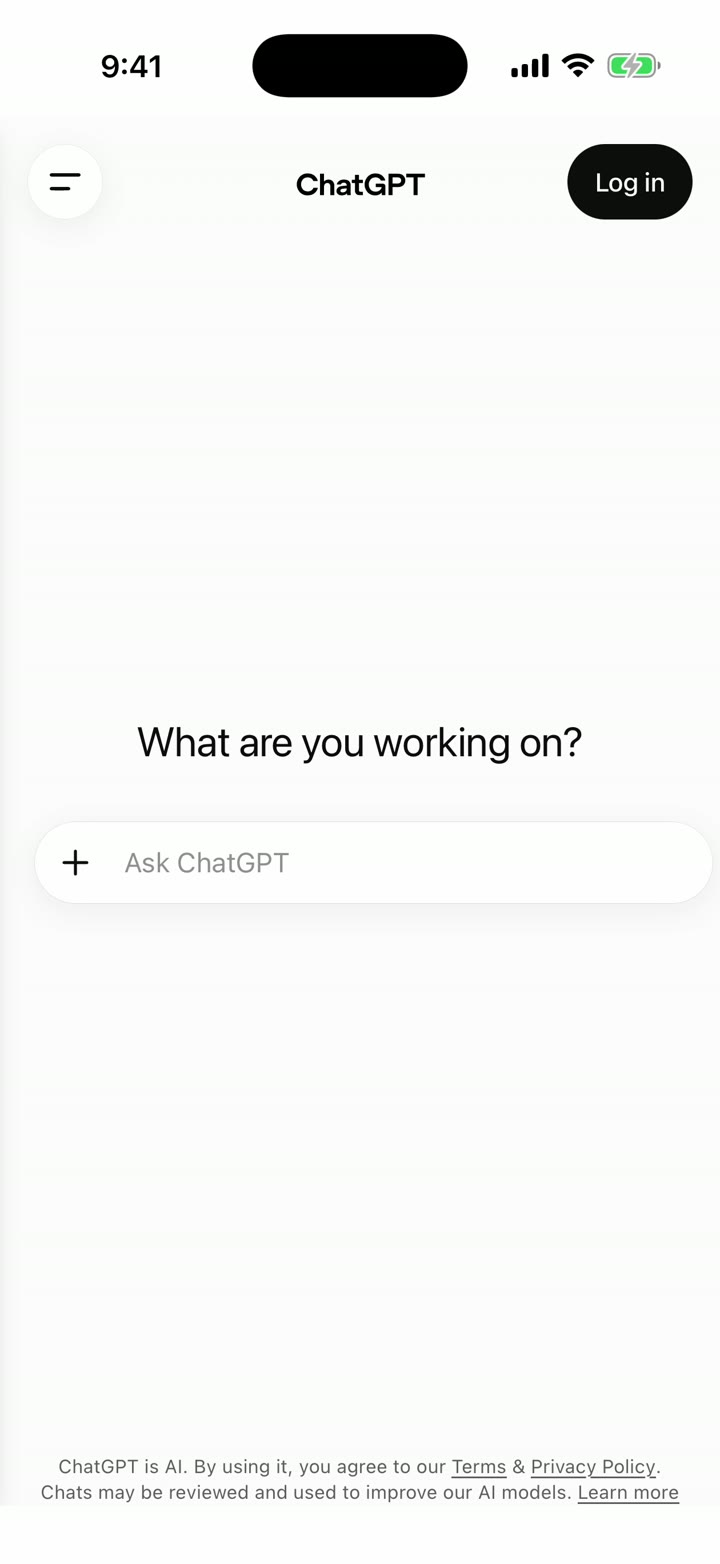
Yes. On a HigherLife phone, ChatGPT, Claude, Gemini and Grok are each their own app with their own icon. Each one signs in inside its own app, every picture is shaded, every page is checked, and the parent is the one in charge from My HigherLife. Nothing to install, nothing to figure out. It is set up for you, from A to Z.
Watch it on a real phone
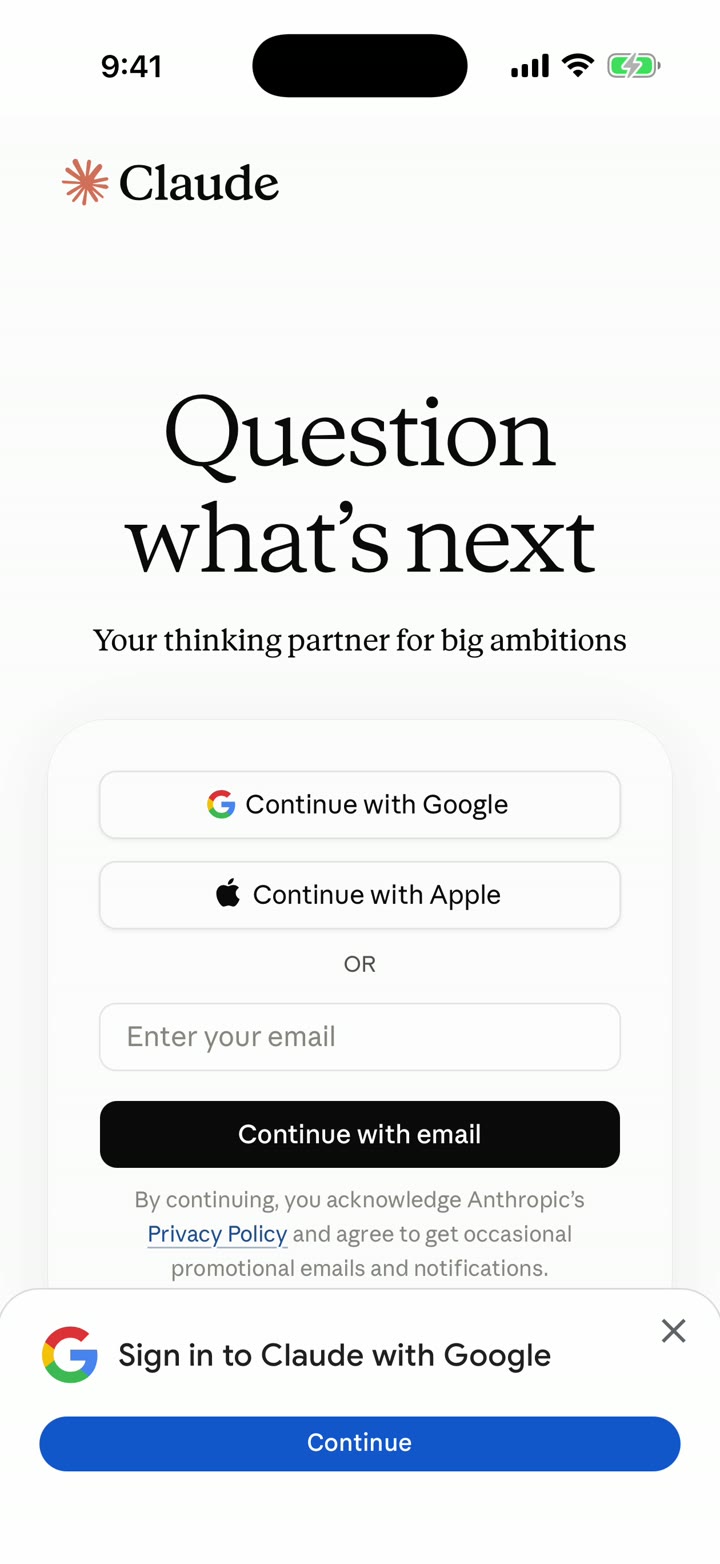
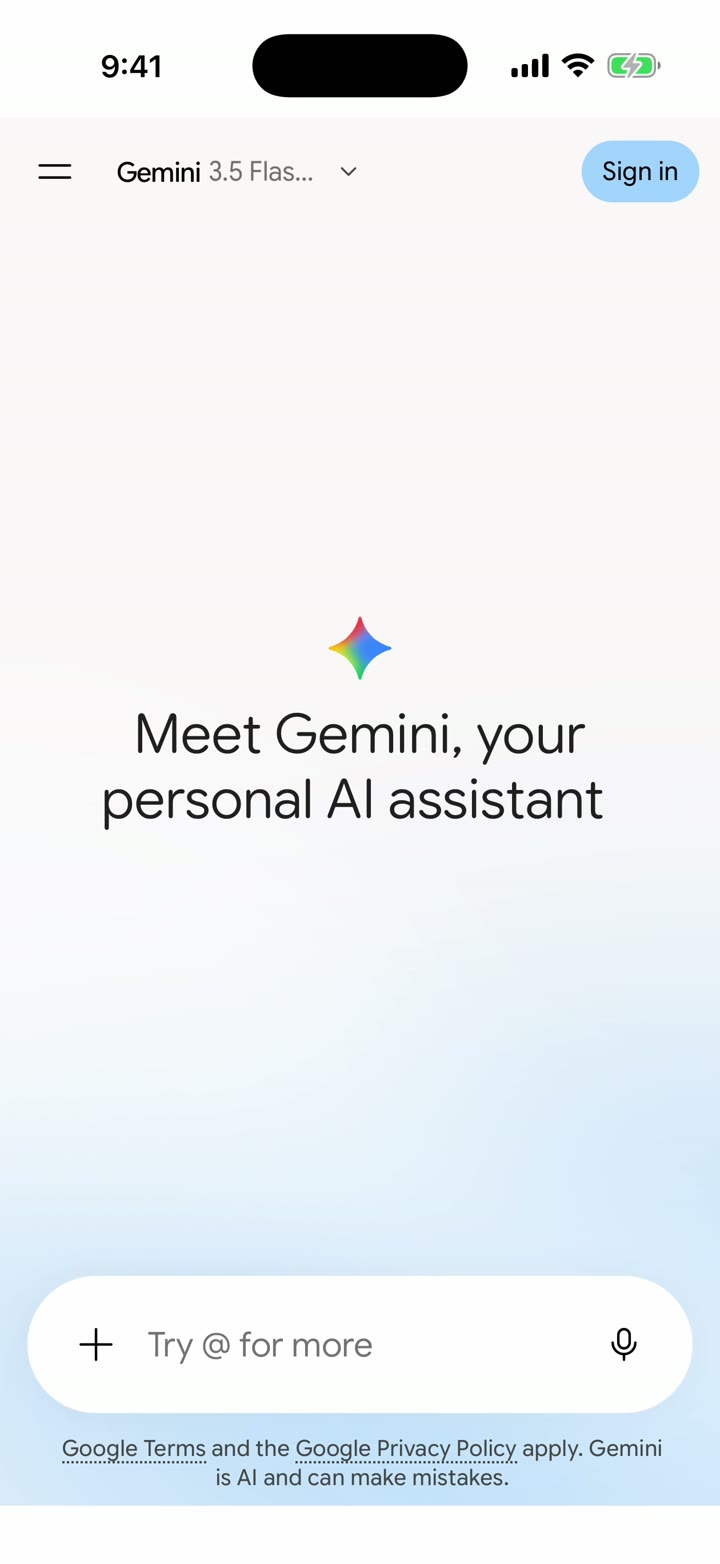
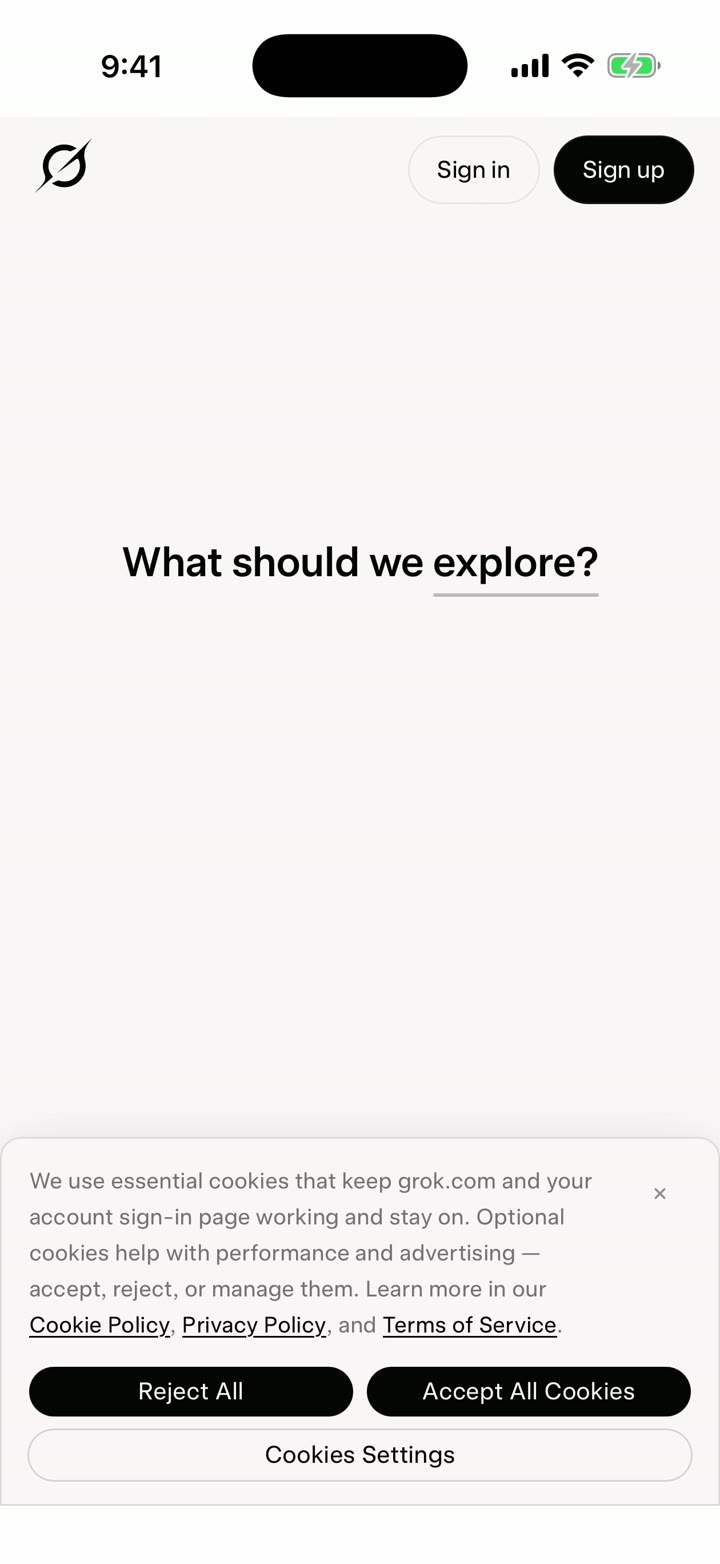
This is not a mock-up. A HigherLife phone opens all four AI apps from their own icons, one after the other, and each one signs in inside its own app. Recorded by us.
Its own app, its own icon. Sign in stays inside.
Its own app. Also the Summarize button in the HigherLife browser, built in with Claude.
Its own app. Google sign-in stays inside the app.
Its own app. Signs in inside, like the others.
Pictures in every app are shaded by HigherLife. A link an AI hands back opens like any page on the phone: checked first.
The moat, drawn
The question is checked on the phone before it ever leaves. The answer is read before it reaches the screen. This is the whole moat, drawn.
Try it: ask the AI, the HigherLife way
On an ordinary phone a question leaves exactly as typed, and the answer lands exactly as it comes. On a HigherLife phone the question is checked before it leaves, and the answer is read before you see it. Press a question, or type your own.
Waiting for a question.
What you are seeing
- On the way out: a question that does not belong is caught on the phone. It never leaves. The child is told to ask another way.
- On the way back: the answer is read before it reaches the screen. A picture in it is shaded. A link in it opens only if the page passes.
- The AI itself is untouched: ChatGPT is ChatGPT. We do not rewrite what it says. We decide what reaches a child.
HigherLife Enhancement mode Coming to every HigherLife phone
The AI apps, set by the parent
HigherLife Enhancement mode is our own layer on top of ChatGPT, Claude, Gemini and Grok. The plan's rule book reads every question before it leaves and every answer before it shows, in every one of them. On top of the plan, a parent's own card makes it stricter for one phone. The film shows it on a real HigherLife phone: a question that does not belong is caught before it is sent, and a clean one is answered.
The switches above are drawn on this page so you can feel them. The real ones are on My HigherLife and behind the Enhance button, for each phone.
Why HigherLife can do this, and an outside filter cannot
An outside filter sits somewhere between your phone and the internet and watches traffic go by. HigherLife owns the browser the AI runs in. That is the whole difference, and a family feels it every day:
| An outside filter | HigherLife | |
|---|---|---|
| The question you type | leaves as typed | checked before it leaves the phone |
| The answer that comes back | lands as it comes | read before you see it |
| A picture in the answer | shown | shaded |
| A link the AI hands you | opens | opens only if the page passes |
| The address bar | always there, open to the web | none: the app alone, nowhere else to go |
| Signing in | wanders off into the open web | stays inside the app |
| When the outside filter has a bad day | the page breaks, or opens wide | nothing to break: it is our browser |
We say what it does, not how. The how is ours.
How a family gets it, from A to Z
- Pick a HigherLife phone. iPhone or Android. Order online and set it up at home, or come in and a HigherLife rep sets it up while you wait, by appointment, at 1622 Coney Island Avenue, Brooklyn.
- Pick the level. Four plans: Focus, Balance, Flex, Freedom. One price for all of them: $80 for six months or $160 for a year, per phone, paid up front, no setup fee. A parent can change a phone's level any time.
- Choose the apps. From My HigherLife, the parent decides which of ChatGPT, Claude, Gemini and Grok a phone gets. Each one lands on the home screen as its own icon.
- Use it like any phone. Tap the icon, the app opens, sign in once, and it is yours. Pictures shaded, pages checked, nothing to remember.
Why a separate app for each AI
It feels like the real thing
Because it is the real thing. ChatGPT is ChatGPT, Claude is Claude. Each one opens full screen as its own app, with nothing else on the screen.
A sign-in that stays put
Google, Apple or email sign-in happens inside that app and nowhere else. No wandering off into the open web to log in.
A parent is in charge
Every HigherLife phone is managed from My HigherLife by a parent or guardian. The AI apps follow the phone's level, like everything else on it.
“Your phone with a higher purpose.”
Summarize, built in with Claude
Every HigherLife browser carries one AI button of its own: Summarize. Open a long page, press it, and Claude gives you the short of it, with a Save. No typing box, no chat, just the answer. It is on every HigherLife phone today.
Questions people ask
Which AI apps come on a HigherLife phone?
ChatGPT, Claude, Gemini and Grok, each as its own app with its own icon, each signed in inside its own app.
Does the AI see everything on the phone?
No. Each AI app is its own room. A link an AI hands back opens on the HigherLife phone like any page: checked, with pictures shaded.
Who decides which AI apps a phone has?
The parent or guardian, from My HigherLife. An app a family does not want is simply not on the phone.
Is this a kosher version of ChatGPT?
It is ChatGPT itself, on a kosher phone, with the phone's own protections around it. We do not rewrite what an AI says. Halachic questions are for your rav; ask your rav.
What does it cost?
HigherLife is $80 for six months or $160 for a year, per phone, paid up front, the same price on every plan, no setup fee. The AI apps come with it.